

Understanding the Basics
What is Horizon Driving Simulator?
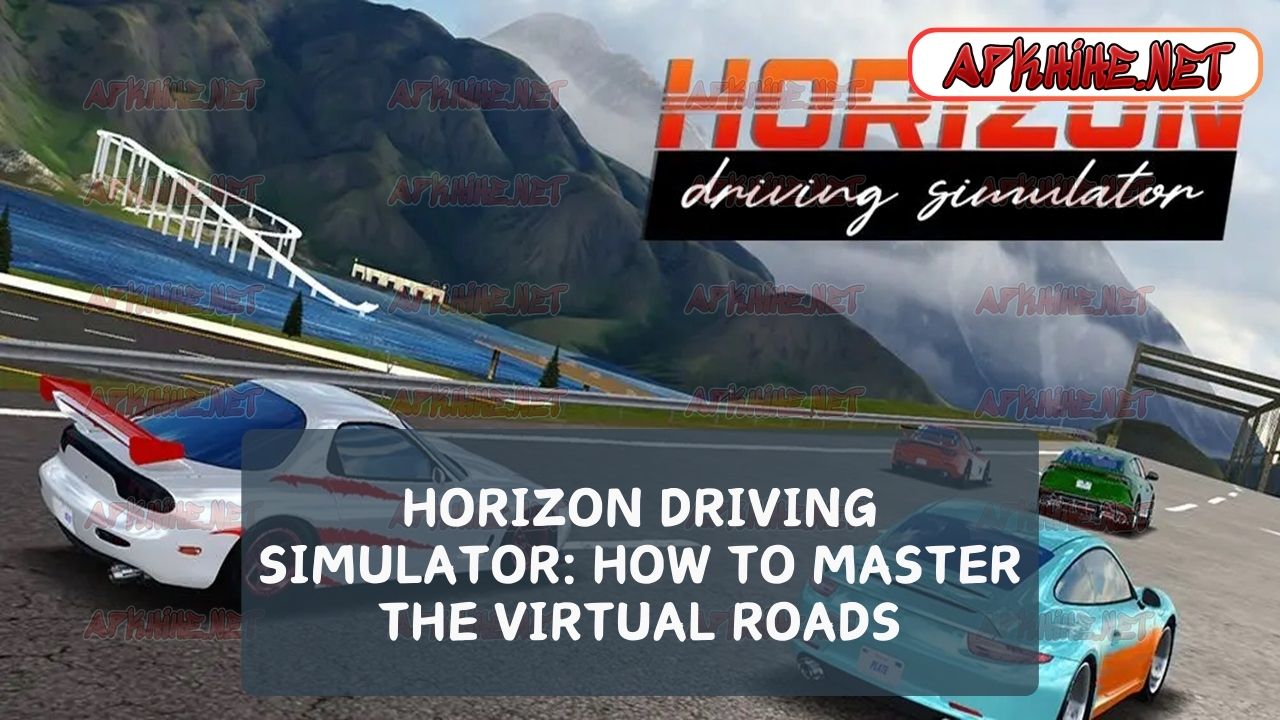
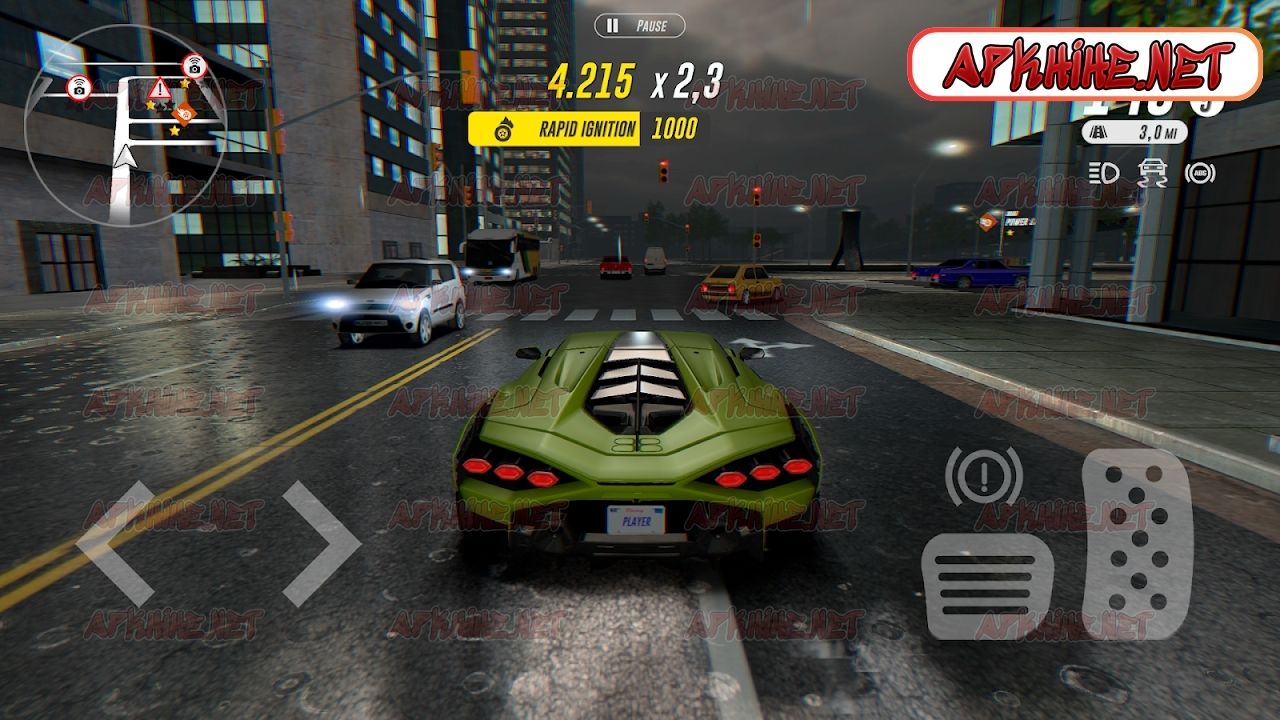
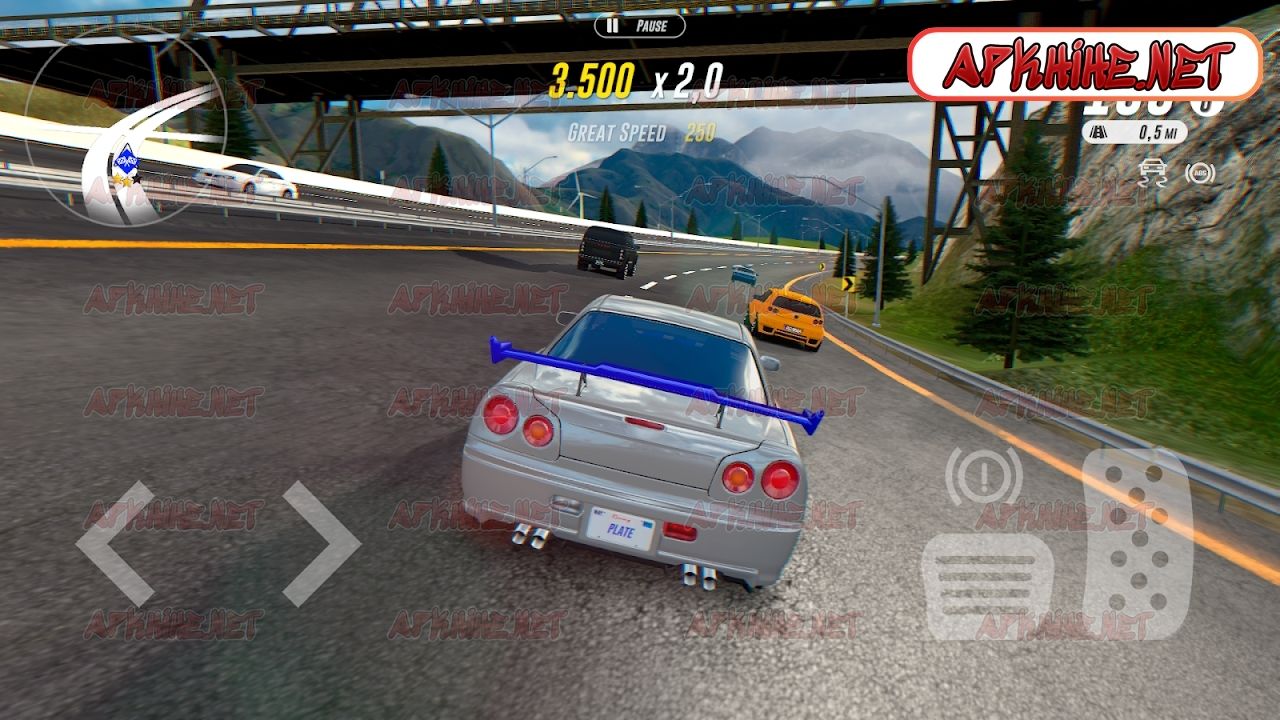
Horizon Driving Simulator is a dynamic, high-fidelity driving game that challenges players to navigate a variety of tracks with precision and skill. It combines realistic graphics, physics-based driving dynamics, and an expansive range of vehicles to choose from, making it a top choice for enthusiasts of racing simulations.
Getting Started: Setup and Controls
To get started, ensure your gaming setup optimizes performance:
- Adjust your graphics settings to match your system’s capabilities.
- Familiarize yourself with the control options. Horizon allows customization of steering, throttle, and brake settings to match your driving style.
Enhancing Your Driving Skills
Basic Driving Techniques
Mastering the basics is crucial:
- Learn to brake effectively. Timing your brakes before entering a corner can dramatically improve handling.
- Understand cornering. Use the ‘slow in, fast out’ technique, entering corners at a manageable speed and accelerating out.
Advanced Maneuvers
As you progress, start incorporating advanced techniques:
- Trail braking can help maintain speed through corners while keeping the car under control.
- Drift to gain time on tight corners, but be cautious as it can also lead to loss of control if not done correctly.
Vehicle Selection and Customization
Choosing the Right Vehicle
The choice of vehicle greatly affects performance:
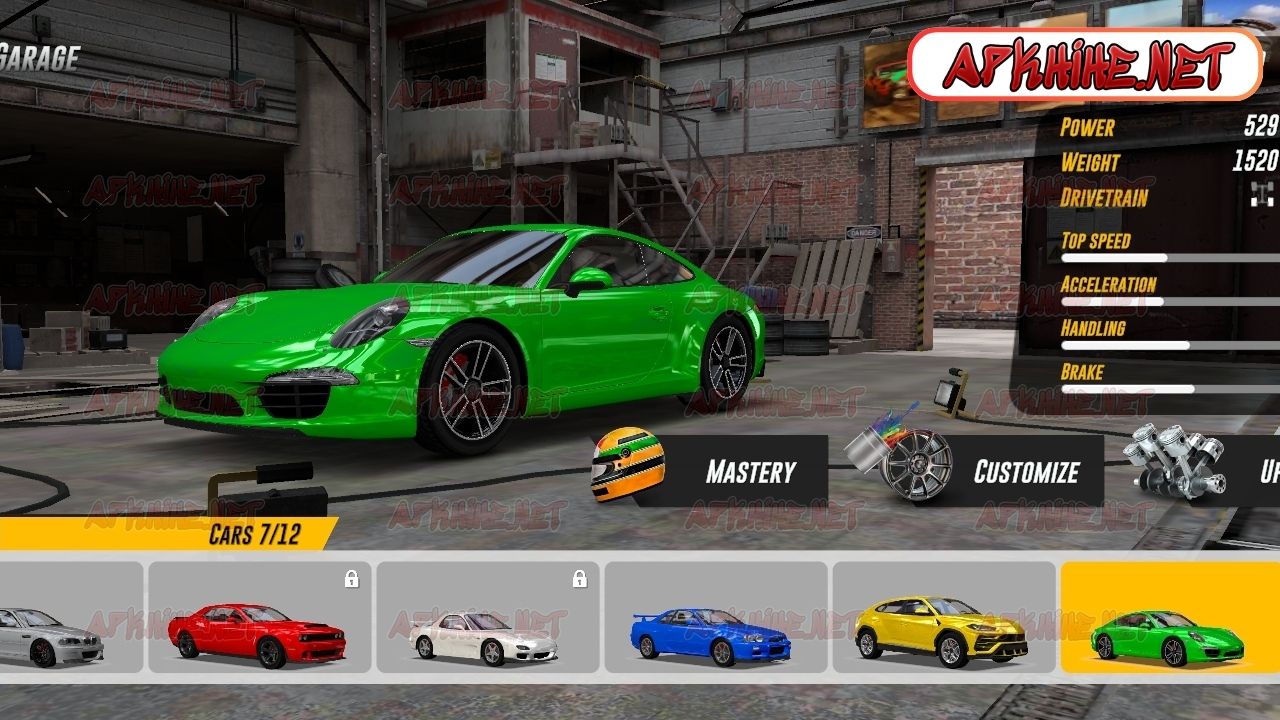
- Consider the track type. Use agile cars for tight tracks and powerful vehicles for courses with long straights.
- Experiment with different cars to find one that suits your driving style.
Customization Tips
- Customizing your car can provide significant advantages:
- Upgrade your engine for better speed.
- Adjust your suspension to suit the track conditions and improve handling.

Strategy and Race Tactics
Planning Your Race
Race strategy is key:
- Analyze the track layout beforehand. Knowing the course helps in planning overtaking maneuvers and pit stops.
- Watch your competitors’ behavior. Anticipating their moves can give you a tactical advantage.
Handling Different Weather Conditions
Weather can impact race dynamics:
- In wet conditions, adjust your driving style to prevent skidding.
- In foggy conditions, focus on staying on track and maintaining a consistent speed.
Multiplayer Mode: Competing Against Real Players
Enhancing Your Multiplayer Experience
Playing against real opponents adds complexity:
- Use effective communication to coordinate with teammates in team races.
- Stay patient and strategic. Over-aggressive driving often leads to mistakes.
Training and Practice
Utilizing Training Modes
Make the most of training modes to improve:
- Time Trial mode is great for learning tracks and refining your driving lines.
- Ghost racing against your previous laps can visually guide your improvements.
Importance of Regular Practice
Consistent practice is crucial:
- Set aside regular times for practice sessions.
- Review and learn from past races, identifying areas for improvement.
Joining the Community and Learning from Others
Engaging with Other Players
Join online forums and communities:
- Share tips and experiences, and get advice from experienced players.
- Participate in community events to test your skills in a competitive environment.
Watching the Experts
Observing skilled players can provide insights:
- Watch live streams and tutorials from top players.
- Analyze their techniques and try to incorporate them into your gameplay.
Conclusion
Mastering the Horizon Driving Simulator requires understanding the mechanics, practicing regularly, and continuously refining your strategies and techniques. By following the detailed tips and strategies outlined in this guide, you’ll be well on your way to becoming a top competitor in the virtual racing world. Remember, the key to success in Horizon Driving Simulator lies in patience, practice, and persistence. Happy racing, and see you on the track!
-
10


