
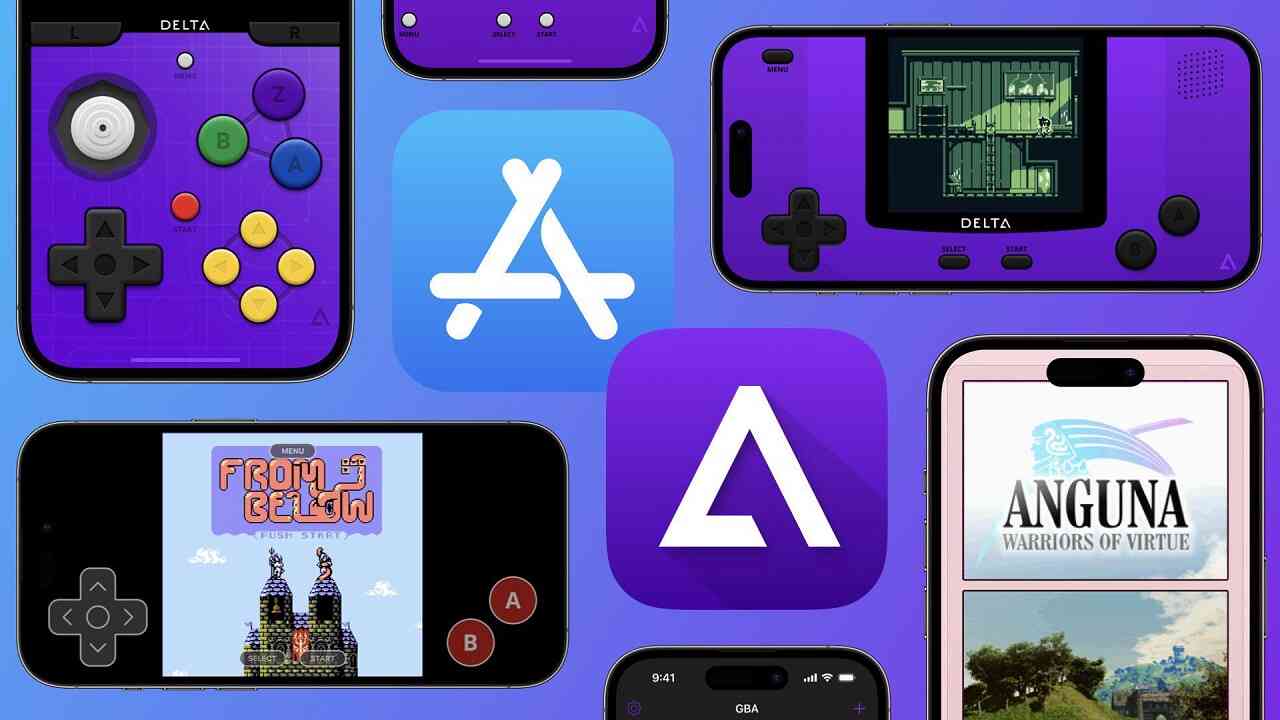

Introduction to Delta Emulator APK
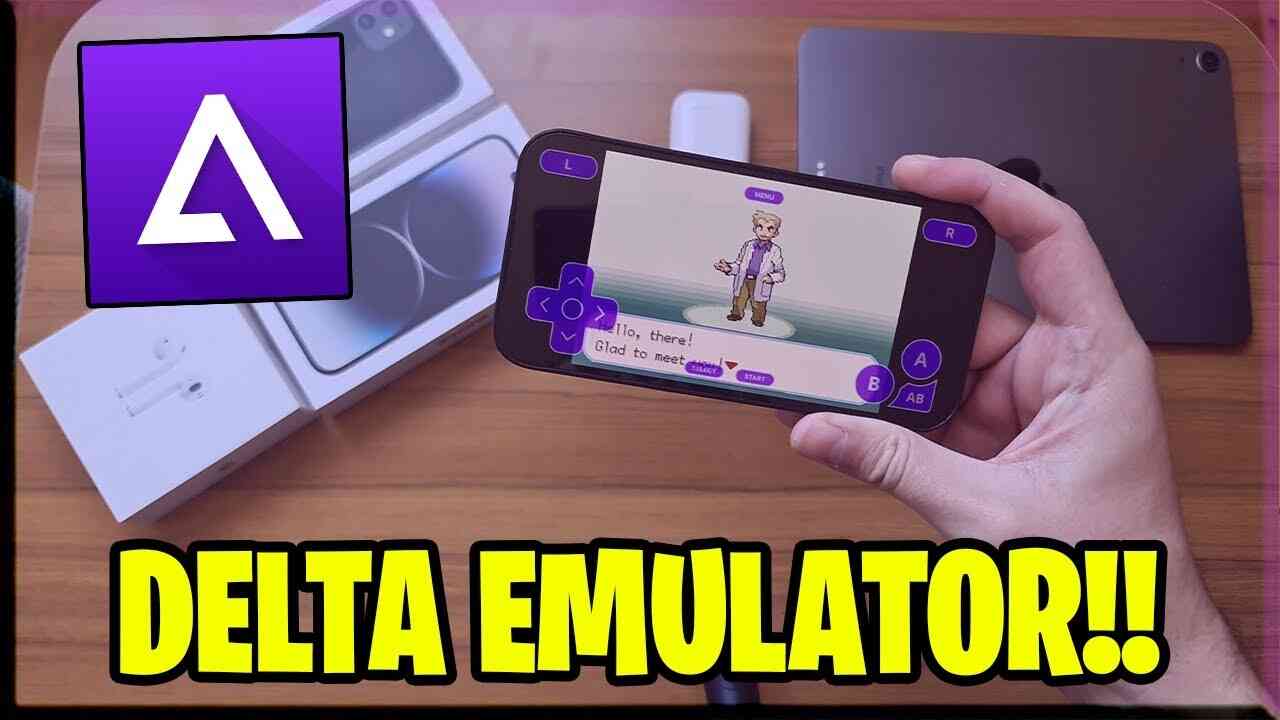
Delta Emulator is a powerful and versatile emulator app designed for mobile devices, allowing users to relive their favorite classic games from various consoles. Developed by Riley Testut, Delta Emulator supports a wide range of gaming systems, including Nintendo, Super Nintendo, Game Boy, Game Boy Color, and Game Boy Advance, among others. Whether you are a retro gaming enthusiast or someone who wants to experience the classics for the first time, Delta Emulator offers an impressive array of features that make it the go-to choice for mobile gaming emulation.
Core Features in Delta Emulator APK latest version
- Wide Console Support: Delta Emulator supports multiple gaming consoles, including NES, SNES, GBA, GBC, and N64. This broad compatibility ensures that users can play a vast selection of classic games.
- User-Friendly Interface: The app features an intuitive and easy-to-navigate interface, making it simple for users to load and play their favorite games without any technical hassle.
- Save States: Delta Emulator allows players to save their game progress at any point and resume from where they left off. This feature is particularly useful for longer games and those requiring significant time investment.
- Controller Support: The app supports external controllers, providing a more authentic gaming experience for users who prefer physical controls over touchscreen inputs.
- Customization Options: Delta Emulator offers various customization options, including controller skins and layout adjustments, enabling users to personalize their gaming setup to their liking.
- Cloud Sync: Users can sync their game data across multiple devices using cloud services like Dropbox, ensuring they never lose their progress and can switch between devices seamlessly.
- High Compatibility: Delta Emulator is known for its high compatibility with a wide range of ROMs, ensuring that users can play most of their favorite titles without encountering compatibility issues.
User Interface and User Experience Analysis
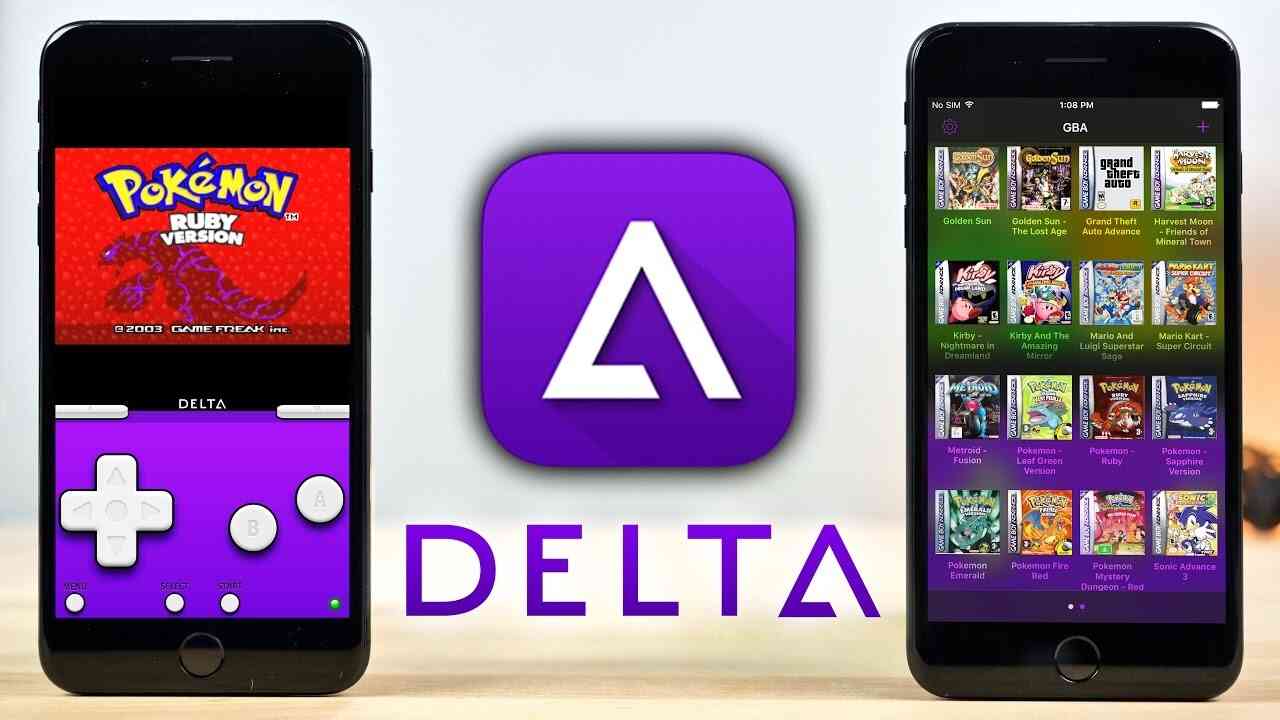
Delta Emulator boasts a sleek and modern user interface that is both visually appealing and highly functional. The app’s main menu is well-organized, allowing users to quickly access their game library, settings, and other features. The game loading process is straightforward, with ROMs easily added to the library through various methods, including direct download links or cloud storage.
The in-game interface is equally impressive, with customizable on-screen controls that can be resized and repositioned to suit individual preferences. The app also supports landscape and portrait modes, catering to different gaming styles and screen orientations. Overall, the user experience is smooth and enjoyable, with minimal lag or performance issues, even on older devices.
Comparison with Similar Apps – Download Delta Emulator APK 2026 for Android
When compared to other emulator apps, Delta Emulator stands out due to its comprehensive feature set and ease of use. Apps like GBA4iOS and My Boy! also offer excellent emulation for specific consoles, but Delta Emulator’s multi-console support gives it a significant edge.
While GBA4iOS is renowned for its Game Boy Advance emulation and My Boy! for its speed and accuracy, Delta Emulator’s ability to emulate multiple consoles makes it a more versatile option. Additionally, the app’s seamless cloud sync feature and controller support are areas where it excels compared to some of its competitors.
However, it is worth noting that Delta Emulator is currently available only for iOS devices. Users looking for a similar experience on Android might consider alternatives like RetroArch, which also supports multiple consoles and offers extensive customization options.
Summary
Delta Emulator is an exceptional emulator app that brings the joy of classic gaming to mobile devices. Its extensive console support, user-friendly interface, and robust feature set make it a top choice for anyone looking to play retro games on the go. Whether you’re a nostalgic gamer or new to the world of emulation, Delta Emulator provides a seamless and enjoyable experience that is hard to beat.
FAQs
Is Delta Emulator available for PC?
No, Delta Emulator is currently available only for iOS devices. However, users can look into other emulation software like RetroArch for PC.
Is Delta Emulator free to use?
Yes, Delta Emulator is free to download and use. However, certain features or premium functionalities may require a donation or additional purchase.
Can I use Delta Emulator on my Android device?
Unfortunately, Delta Emulator is not available for Android. Android users can explore alternatives like RetroArch or My Boy!.
How do I add games to Delta Emulator?
Games can be added to Delta Emulator by downloading ROM files and importing them into the app via cloud storage services or direct download links.
Does Delta Emulator support multiplayer gaming?
Yes, Delta Emulator supports multiplayer gaming through external controllers and online services, allowing users to play with friends.
Are there any risks associated with using Delta Emulator? As with any emulator, using ROM files that you do not own may be against the law. It is recommended to only use ROMs of games you legally own to avoid any legal issues.
Delta Emulator brings a nostalgic gaming experience to modern mobile devices, offering users a reliable and feature-rich platform to enjoy their favorite retro games. Whether for casual play or serious gaming sessions, Delta Emulator is a valuable addition to any mobile gamer’s toolkit.










