


General Introduction to GLTools APK
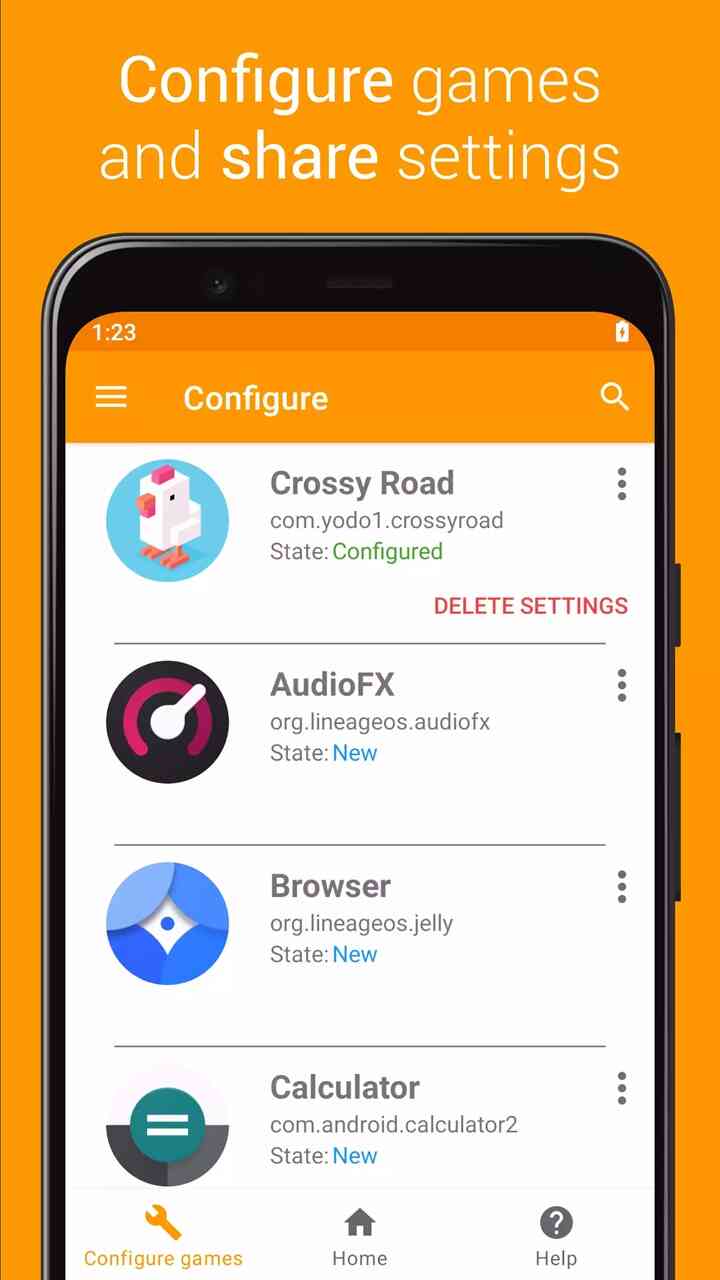
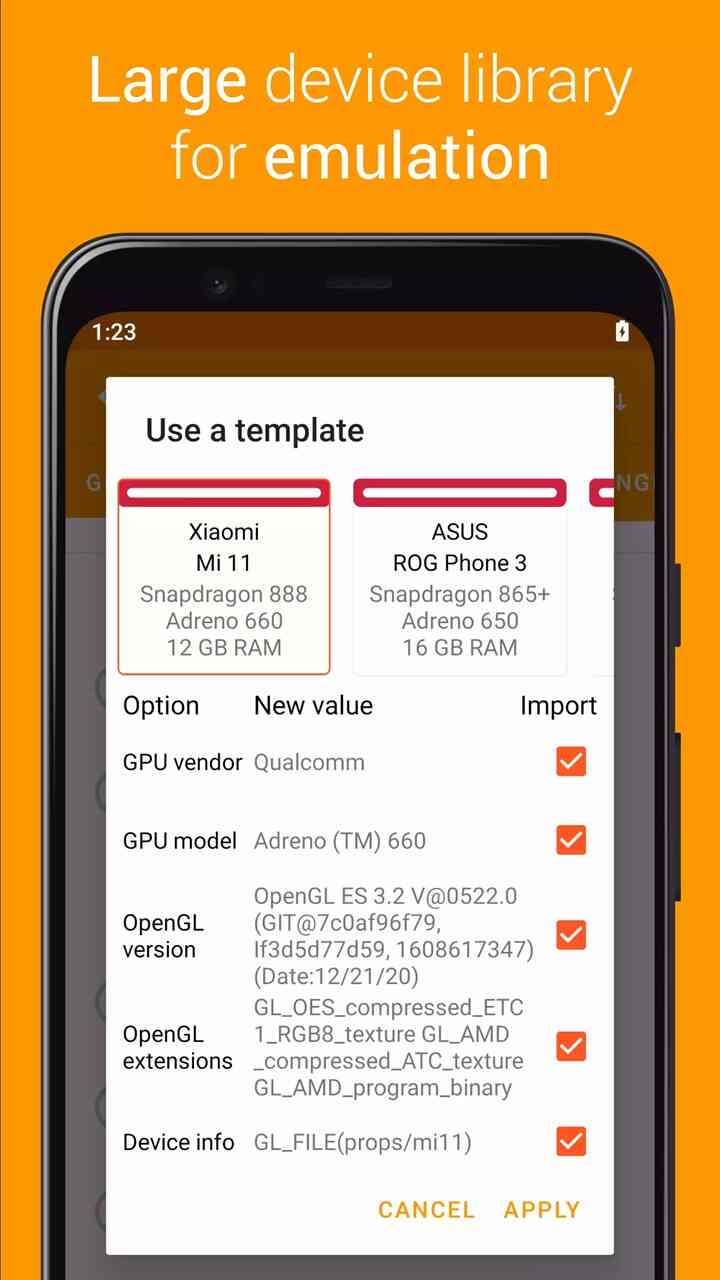
GLTools is a custom OpenGLES driver (proxy) designed to optimize and improve the performance of OpenGLES-based applications on Android devices. It acts as a bridge between the app and the GPU, enhancing graphical capabilities, supporting more complex rendering techniques, and providing greater control over graphics performance. GLTools is compatible with any OpenGLES 2.0-compatible GPU, whether it’s an ARM or x86 processor. This app helps users fine-tune their gaming and graphical experience, providing an opportunity to adjust rendering settings for better performance on various devices.
Main Features in GLTools APK latest version
- Custom OpenGLES Driver: GLTools allows you to adjust the OpenGLES settings of your Android device, optimizing the graphics performance for specific applications and games.
- Resolution Scaling: The app offers the ability to scale the resolution of OpenGLES apps to run smoothly on devices that might otherwise struggle with high-performance tasks.
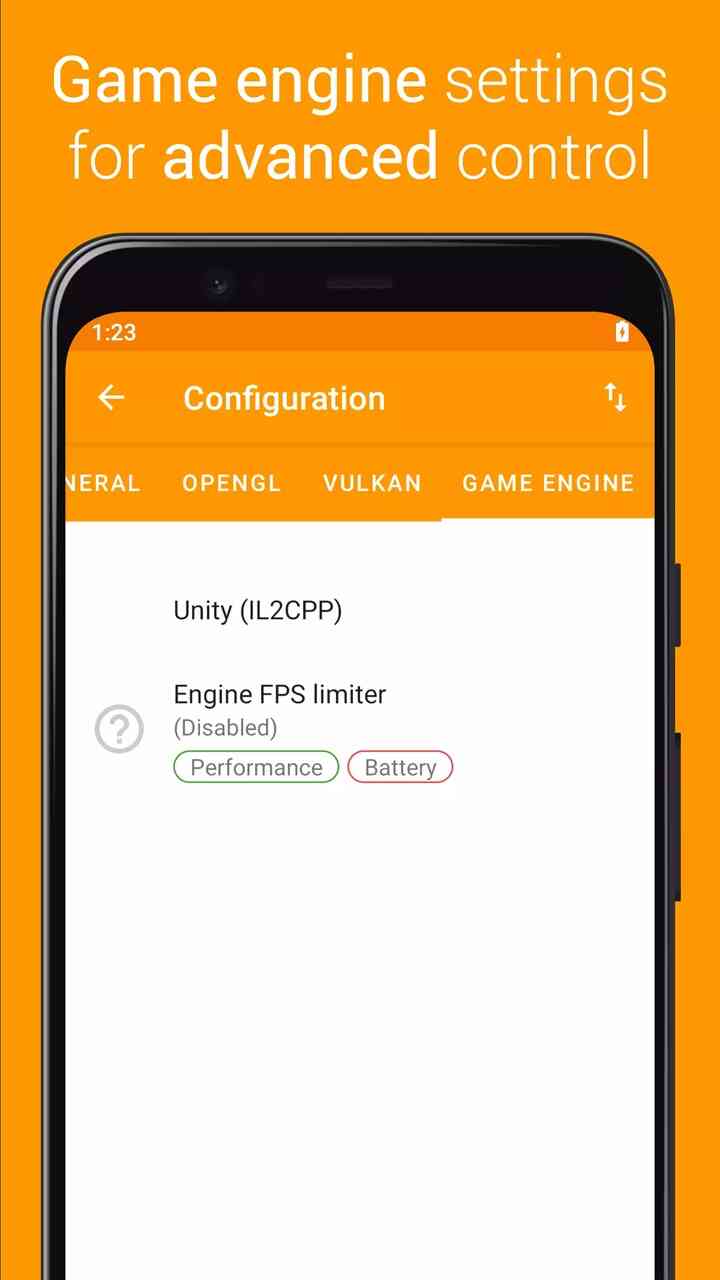
- Frame Rate Control: Users can modify the frame rates of OpenGLES applications, enhancing the visual experience or increasing performance for smoother gameplay.
- Shader and Texture Control: GLTools provides features to customize shaders and textures, allowing for a more personalized graphical experience based on the capabilities of the device.
- Antialiasing: The app supports the use of antialiasing to reduce jagged edges in graphics, improving visual quality.
- Overclocking Support: With GLTools, users can push the GPU further with overclocking features, resulting in higher performance for demanding applications.
- Compatibility with Older Devices: GLTools enhances the performance of older Android devices, allowing them to run modern applications and games more effectively.
Who Should Use GLTools APK?
- Gamers: Anyone who enjoys gaming on Android can benefit from GLTools. It helps improve the performance of games by optimizing the graphics settings to ensure a smoother experience.
- Developers: Game developers and app developers can use GLTools to test how their applications will perform on various hardware configurations and fine-tune graphical settings for better optimization.
- Advanced Users: Users with technical knowledge of GPUs and graphics settings will appreciate the customizability that GLTools offers, allowing them to fine-tune settings for optimal performance on their devices.
Some Tips When Using GLTools APK new version
- Backup Your Settings: Before making major changes, always back up your original settings to avoid losing configurations if something goes wrong.
- Test Gradually: When modifying settings like frame rate or resolution, adjust them incrementally and test the changes to find the best configuration without compromising performance.
- Compatibility Checks: Always ensure that the apps you are using with GLTools are compatible with OpenGLES 2.0 to prevent issues.
- Avoid Overclocking on Older Devices: Overclocking can be useful for improving performance, but it can also overheat or damage older devices if used excessively.
User Reviews – Free download GLTools APK 2025 for Android
- “This app has been a game-changer for my old device. I can play demanding games with a much smoother experience now.” – David, 34
- “I love how customizable it is. GLTools allowed me to tweak graphics settings in a way I never thought possible on my Android phone.” – Claire, 29
- “GLTools makes older devices run modern apps better, but be careful with overclocking—it can heat up the device fast.” – John, 41
FAQs
Is GLTools compatible with all Android devices?
GLTools is compatible with most devices running Android and equipped with an OpenGLES 2.0-compatible GPU.
Can GLTools improve gaming performance on low-end devices?
Yes, by adjusting settings like resolution and frame rate, GLTools can significantly improve gaming performance on lower-end devices.
Is GLTools free?
GLTools is a paid app, with a small fee to access its advanced features.
Can GLTools damage my device?
Overclocking and extreme settings may increase the risk of device overheating or malfunctioning. Always test settings gradually and monitor your device’s performance.
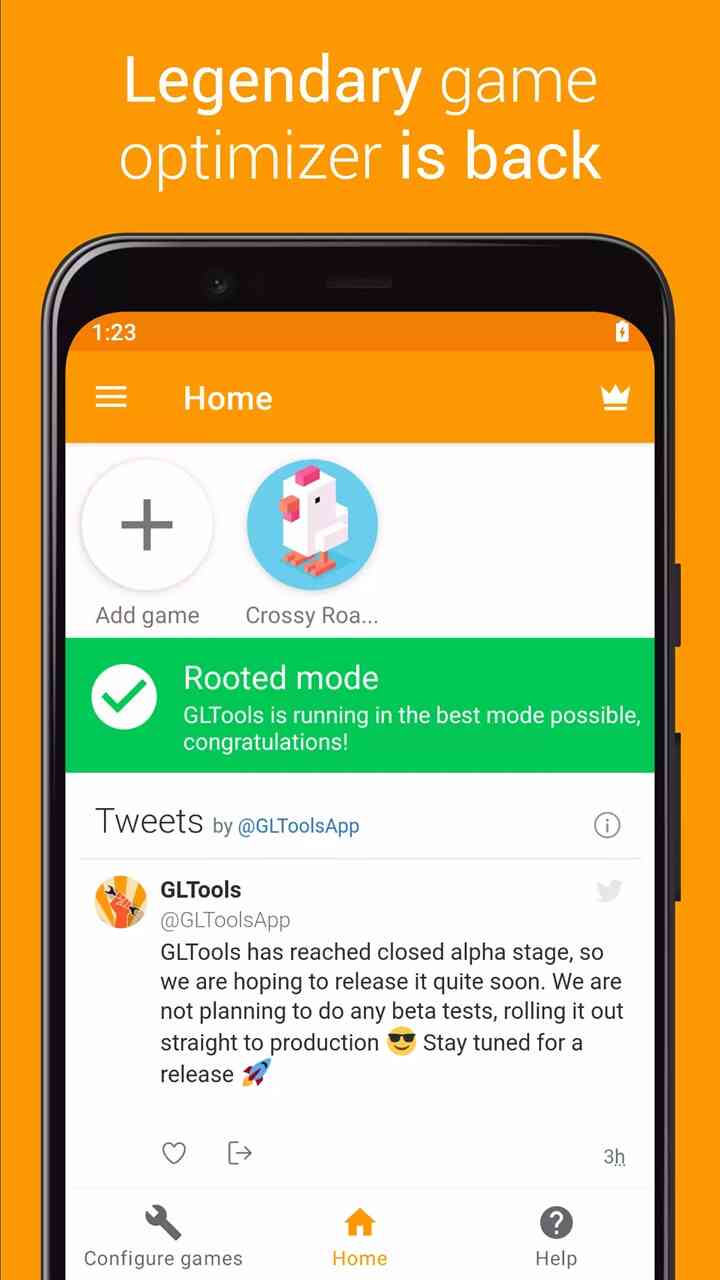
Does GLTools require root access?
No, GLTools does not require root access to function.










