





Introduction to QuickShortcutMaker APK
In the fast-paced digital world, convenience and speed are essential. QuickShortcutMaker is an Android application designed with this in mind, offering users the ability to create custom shortcuts to apps, system processes, and specific activities within those apps. Whether you want instant access to your favorite app’s features or a quick way to manage phone settings, QuickShortcutMaker delivers a streamlined solution that saves time and effort.
Core Features in QuickShortcutMaker APK Latest Version
QuickShortcutMaker stands out due to its core functionality that caters to users looking for efficiency and customization on their Android devices. Key features include:
- Shortcut Creation: Allows users to create shortcuts not just for entire apps, but for specific components or actions within apps. For example, instead of opening the Gallery app, you can create a shortcut that directly opens the video editor within it.
- Activity Picker: Offers a list of available activities (both visible and hidden) from all installed apps. This allows advanced users to fine-tune exactly which function the shortcut will perform.
- Search Functionality: Provides a search tool to quickly find the desired app or activity, ensuring that users can locate and create shortcuts efficiently without scrolling through long lists.
- Custom Labels and Icons: Users can personalize shortcut labels and choose from the app’s icon or a custom image, giving them full control over their home screen’s appearance.
- Error Handling: If a shortcut fails to open, QuickShortcutMaker notifies the user and offers the option to create a different shortcut or correct the error.
User Interface and User Experience Analysis – Free download QuickShortcutMaker APK 2026 for Android
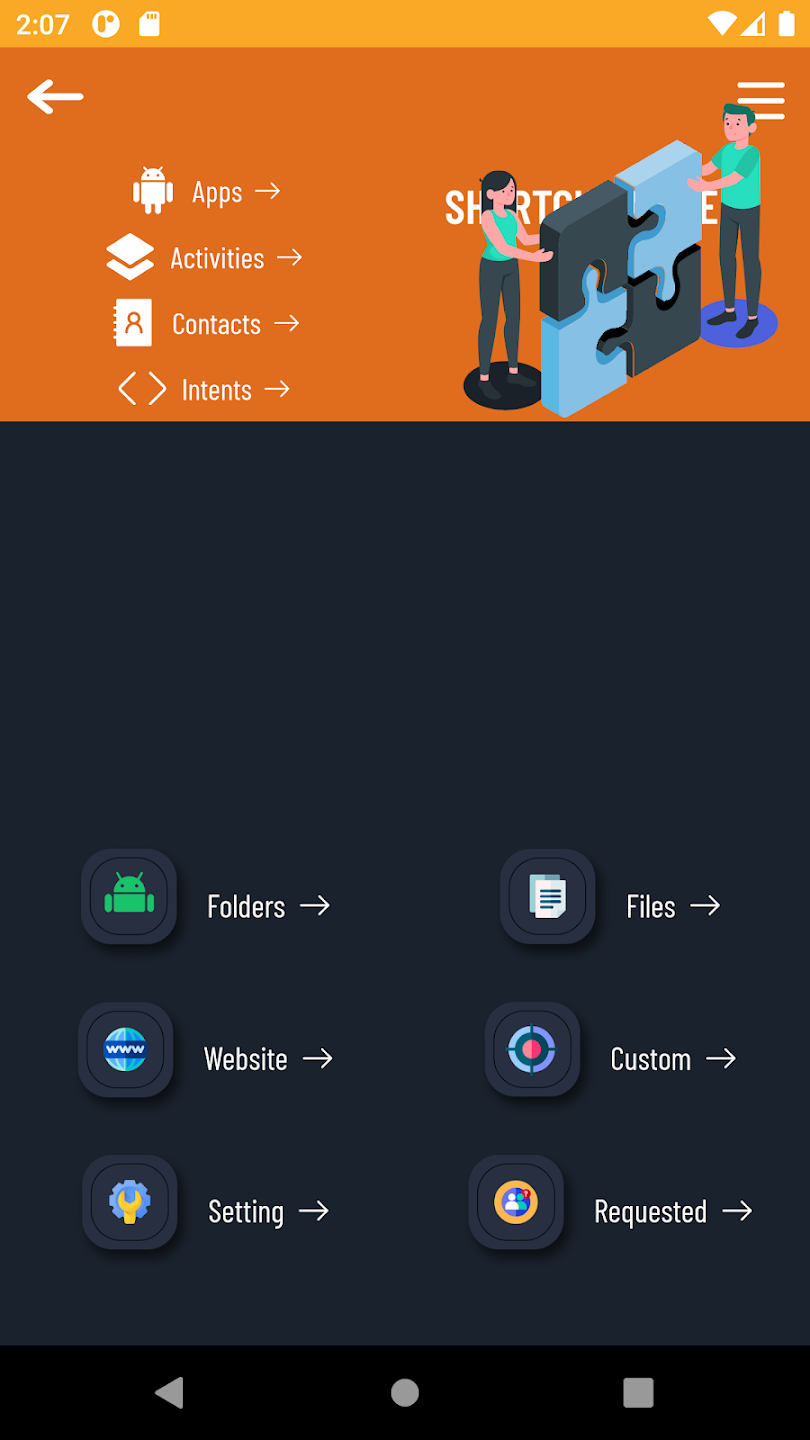
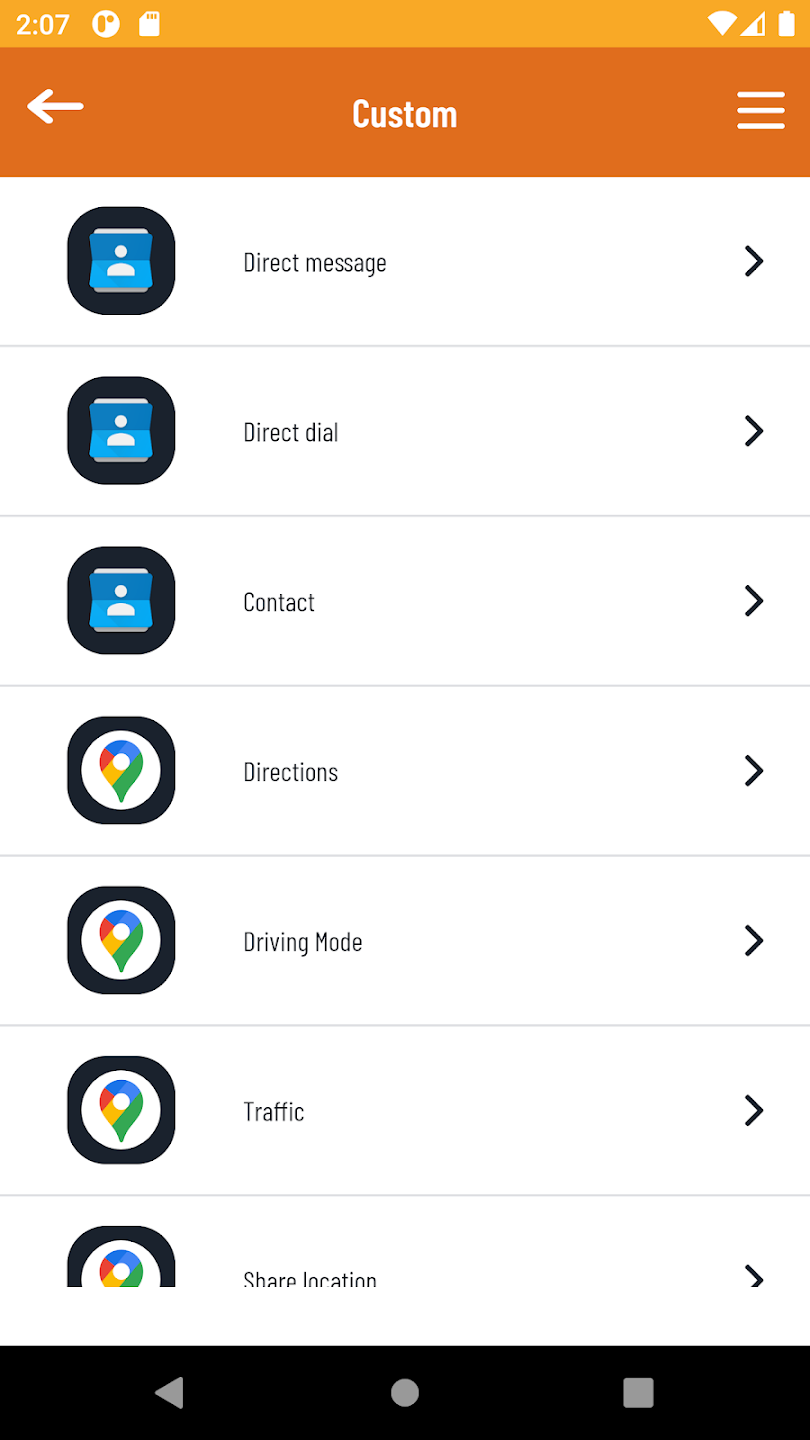
QuickShortcutMaker’s user interface (UI) is straightforward, catering to both casual and advanced users. The main screen provides a clean list of apps and system activities, accompanied by a functional search bar. The process of selecting an activity and generating a shortcut involves just a few taps, minimizing complexity.
In terms of user experience (UX), the app focuses on efficiency and clarity. Icons, text labels, and buttons are intuitive and well-placed. The option to test shortcuts before creating them ensures that users don’t clutter their screens with non-functional shortcuts. The design, while simple, meets the needs of those seeking quick access to specific functions without unnecessary visual distractions.
Similar Apps to QuickShortcutMaker APK New version
While QuickShortcutMaker is a popular choice for Android shortcut creation, there are other apps with similar functionality:
- Nova Launcher: Primarily a home screen launcher, it offers shortcut creation along with advanced customization options for the entire home screen.
- Shortcut Creator: A dedicated shortcut tool that allows users to create customized shortcuts with unique icons and labels, similar to QuickShortcutMaker.
- Activity Launcher: Focuses on providing access to hidden activities within apps, letting users create shortcuts for them directly from the app.
Each of these alternatives brings unique features and styles, but QuickShortcutMaker is often praised for its simplicity and focused purpose.
Summary
QuickShortcutMaker is a practical tool for Android users seeking to enhance convenience and personalize their device’s navigation. Its ability to create shortcuts for apps, system processes, and even specific functions within apps offers a level of customization that many users find invaluable. The app’s clean interface and straightforward process ensure that both novice and experienced users can benefit from its features without a steep learning curve.
FAQs
Q: Is QuickShortcutMaker safe to use?
A: Yes, QuickShortcutMaker is designed for creating shortcuts and does not interfere with the system or require special permissions beyond creating shortcuts.
Q: Can I create shortcuts for system settings?
A: Absolutely. You can create shortcuts for system activities such as battery settings, Wi-Fi settings, or sound profiles.
Q: Does QuickShortcutMaker work on all Android versions?
A: It supports a wide range of Android versions, though certain system activities might not be available on older versions.
Q: How does QuickShortcutMaker differ from a launcher app?
A: Unlike launcher apps that modify the home screen, QuickShortcutMaker focuses solely on creating direct access points (shortcuts) to apps or actions without changing the overall interface.










