
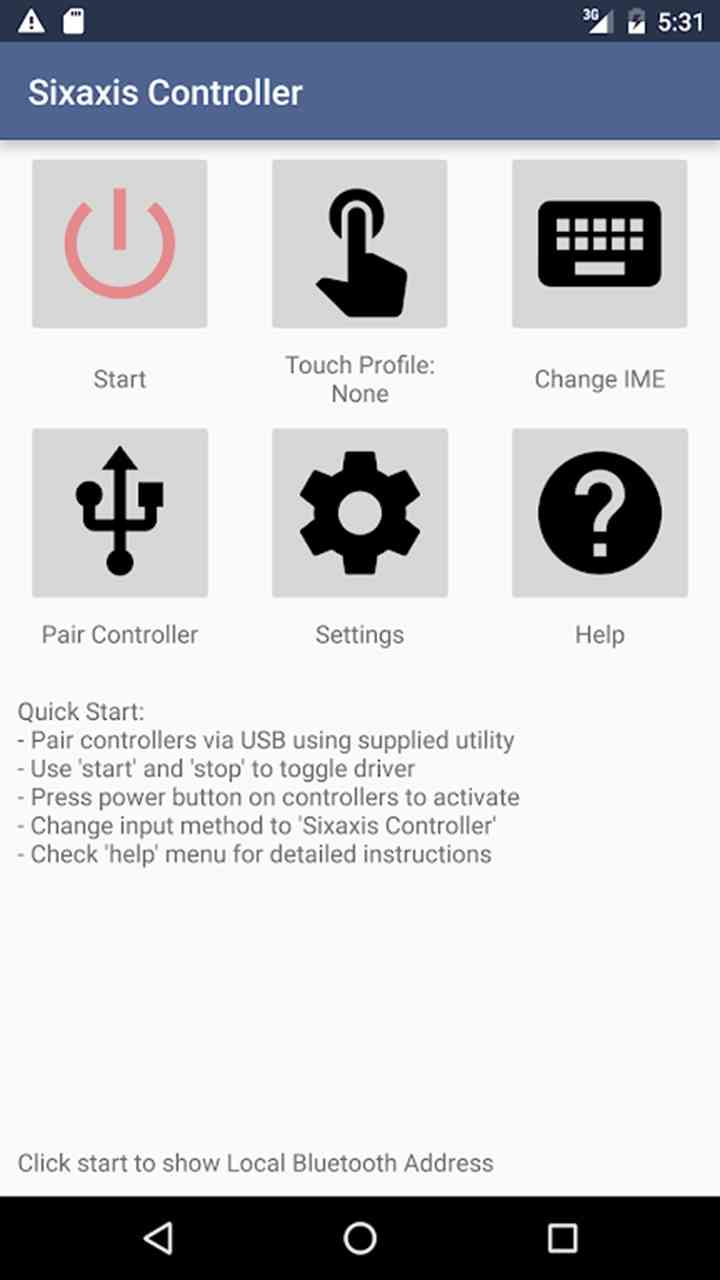

Sixaxis Controller APK: Play Android Games with a PS3 Controller
Looking to turn your PS3 controller into a powerful Android gamepad? The Sixaxis Controller APK lets you connect a DualShock 3 or 4 to your Android device for a console-like gaming experience. With analog joystick support and responsive input, it’s a favorite among Android gamers.
Sixaxis Controller APK Overview
The Sixaxis Controller app is a powerful tool that allows Android users to connect and use PlayStation controllers (like DualShock 3 and DualShock 4) on their devices. It transforms your old PS3 controller into a Bluetooth gamepad for mobile games, emulators, and more.
Available through a direct APK download, the Sixaxis Controller gives you full analog joystick support, customizable button mapping, and low-latency input, perfect for retro gaming, action titles, or racing games on Android.
It’s especially popular for users looking to:
- Use a PS3 controller on Android without root (on some supported devices)
- Set up a custom gamepad mapping app for Android
- Improve their mobile gaming performance with real controller feedback
Main Features and Supported Devices
Key Features of Sixaxis Controller APK
- DualShock 3 and DualShock 4 support
- Full analog input: Get precise control in compatible games
- Touch emulation: Map controller buttons to on-screen touches
- Custom profiles: Save settings for different games
- Wireless connection over Bluetooth: No OTG cable needed for most devices
- USB OTG support: Optional for quick plug-and-play pairing
Sixaxis Compatibility List for Android
Not all Android devices are compatible, which is why there’s a Sixaxis compatibility list available online. Compatibility mostly depends on your device’s Bluetooth chipset and Android version.
- Android 10 and below: Broad compatibility
- Android 11+: May require additional setup or root
- Not compatible with most MediaTek and Exynos chipsets
To check if your phone supports it, use the Sixaxis Compatibility Checker app (available separately).
How to Pair PS Controllers with Sixaxis App
Pairing your PS3 controller with your Android device using Sixaxis Controller requires a few simple steps.
Step-by-Step: How to Connect PS3 Controller to Android
- Download Sixaxis Controller for Android from a trusted source.
- Check device compatibility using the Sixaxis Compatibility Checker.
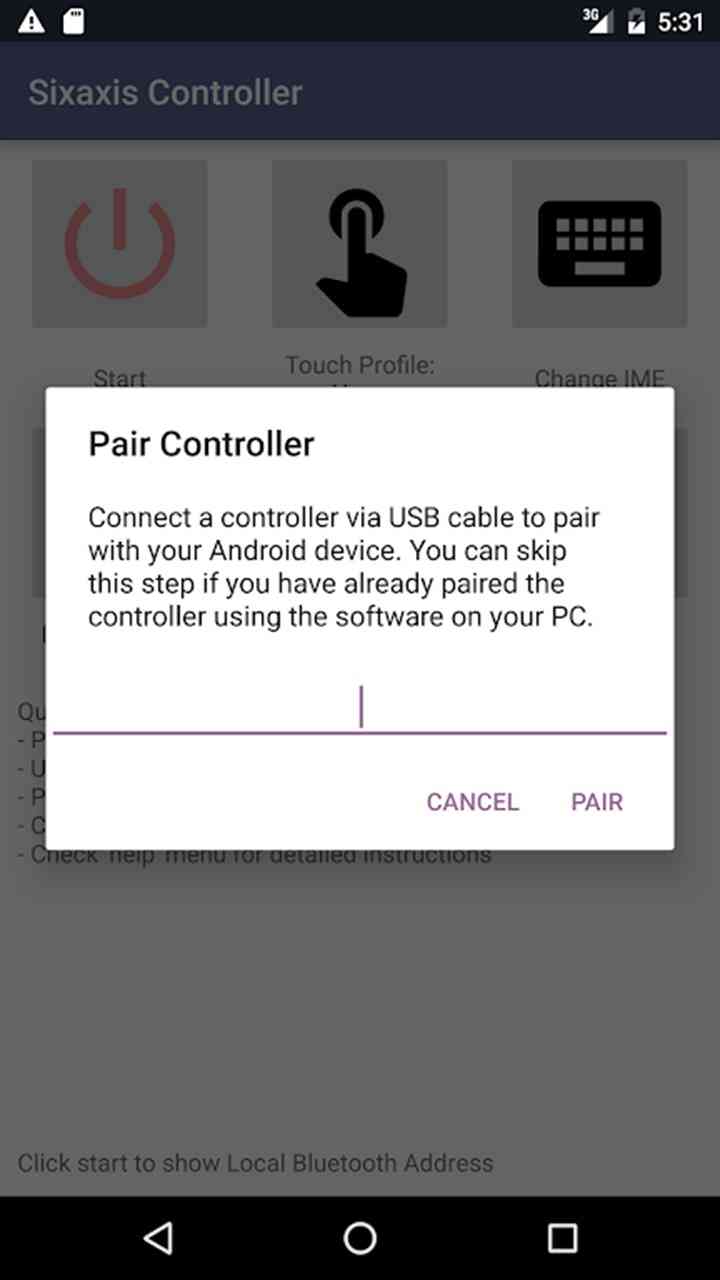
- Install the Sixaxis Pair Tool on your PC or Mac (required for initial pairing).
- Connect the controller to your PC via USB.
- Use the Pair Tool to change the controller’s Bluetooth address to match your Android device.
- Open the Sixaxis app and press “Start” to activate the Bluetooth service.
- Press the PS button on the controller, it should sync and vibrate.
Once paired, you can start mapping buttons and using the controller in any game that supports external input.
Is Sixaxis Controller APK Safe and Legal?
Is the Sixaxis Controller App Safe?
Yes, when downloaded from reputable sources, the Sixaxis Controller APK is generally safe. It does not include any malware or spyware, but because it’s not available on the Google Play Store, you should avoid unofficial or modified versions.
Is it Legal?
Using the app is legal, but modifying your Android device (such as rooting) might void your warranty. The app itself doesn’t include any copyrighted content and is designed only to enable controller input, which is allowed by Android.
Sixaxis vs Other Bluetooth Controller Apps
There are many controller apps on the market, but Sixaxis Controller stands out for its deep PS3/PS4 integration and touch emulation features.
Sixaxis Controller vs Octopus / Panda Gamepad Pro
| Feature | Sixaxis Controller | Octopus/Panda Gamepad |
| DualShock 3/4 Support | ✅ Yes | ⚠️ Limited |
| Touch Emulation | ✅ Yes | ✅ Yes |
| Root Required | ⚠️ Sometimes | ⚠️ Often |
| System Input (Low Latency) | ✅ Excellent | ⚠️ Varies |
While apps like Octopus or Panda offer broad controller support, Sixaxis is optimized specifically for Sony controllers, making it the best controller app for Android gamers using PS3/PS4 hardware.
Frequently Asked Questions (Sixaxis APK FAQ)
-
Can I use Sixaxis Controller without root?
Yes, some devices support it without root, especially with Android versions below 10. For advanced features like touch emulation, root access may be needed.
-
Is the Sixaxis APK the latest version?
To ensure you’re using the Sixaxis APK latest version, download it from the official developer’s site or a verified APK repository. Avoid older versions as they may not support newer Android updates.
-
How do I map gamepad buttons?
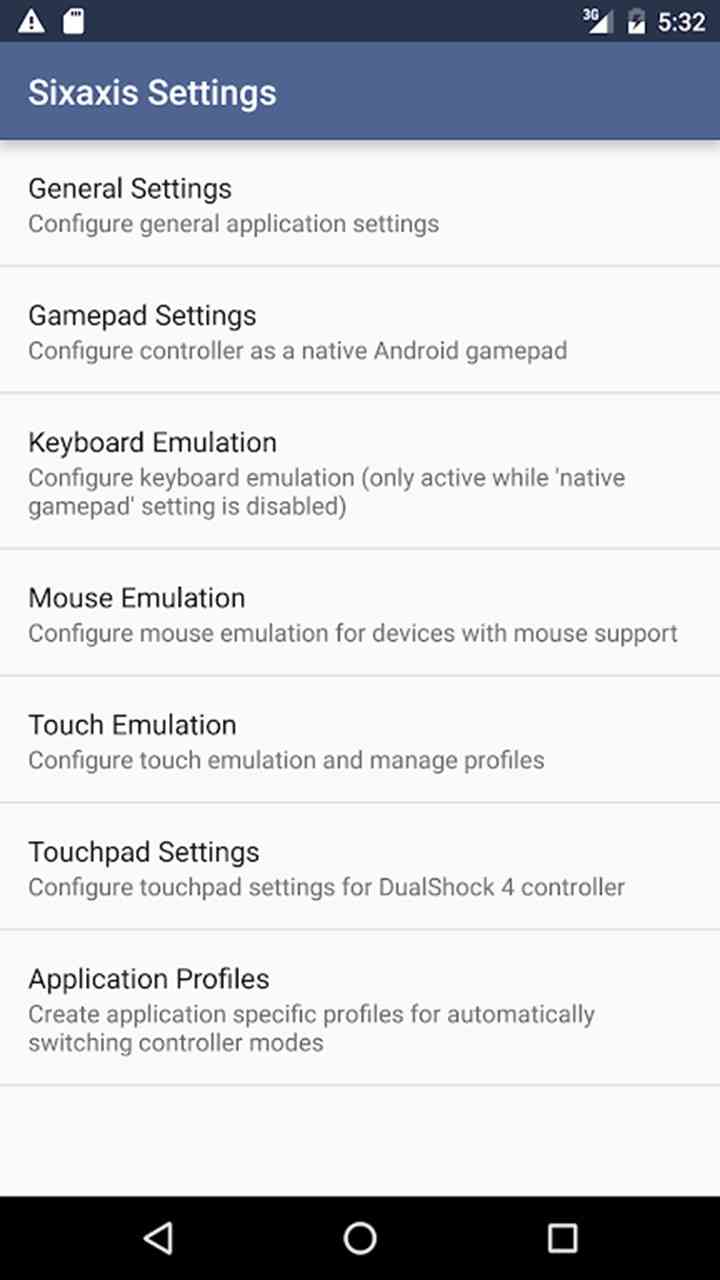
Inside the Sixaxis app, use the “Preferences” > “Touch Emulation” menu to map physical buttons to specific on-screen touch points.
-
Does Sixaxis work with emulators?
Yes! Sixaxis Controller works perfectly with emulators like Dolphin, PPSSPP, RetroArch, and others, giving you precise control.
-
What if my controller doesn’t connect?
Ensure you’ve:
- Paired the correct Bluetooth address
- Started the app service
- Checked device compatibility
If it still doesn’t work, try using a USB OTG cable.
Key Takeaways
- Sixaxis Controller APK lets you use PS3/PS4 controllers on Android with analog support.
- Compatible with many devices, check using the Sixaxis Compatibility Checker.
- Requires initial pairing via PC and might need root access for full features.
- Great alternative to other gamepad apps, especially for retro and emulator gaming.
- The app is safe when downloaded from reputable sources and legal to use.
Conclusion
The Sixaxis Controller app unlocks your PS3 controller’s full potential on Android, making it one of the best controller apps for Android gaming. Whether you’re playing action games or retro emulators, it brings precision and comfort to your fingertips.
Ready to level up your gameplay?
Download Sixaxis Controller APK 2025 for Android now and enjoy console-like gaming on your phone or tablet!










