



Overview of TunnelBear APK
In today’s digital world, maintaining privacy and security while browsing the internet is essential. TunnelBear VPN is a popular choice among users seeking a simple yet effective way to protect their online activities. This VPN app not only ensures that your data remains private, but also allows you to access content that may be restricted in your country. With its user-friendly interface and secure protocols, TunnelBear is designed to cater to both tech-savvy users and beginners alike.
Main Features in TunnelBear APK latest version
TunnelBear boasts several features that make it stand out from other VPN services:
Strong Encryption
TunnelBear uses AES-256 bit encryption, one of the strongest encryption standards available, ensuring your data is well-protected from potential threats or prying eyes.
Global Server Network
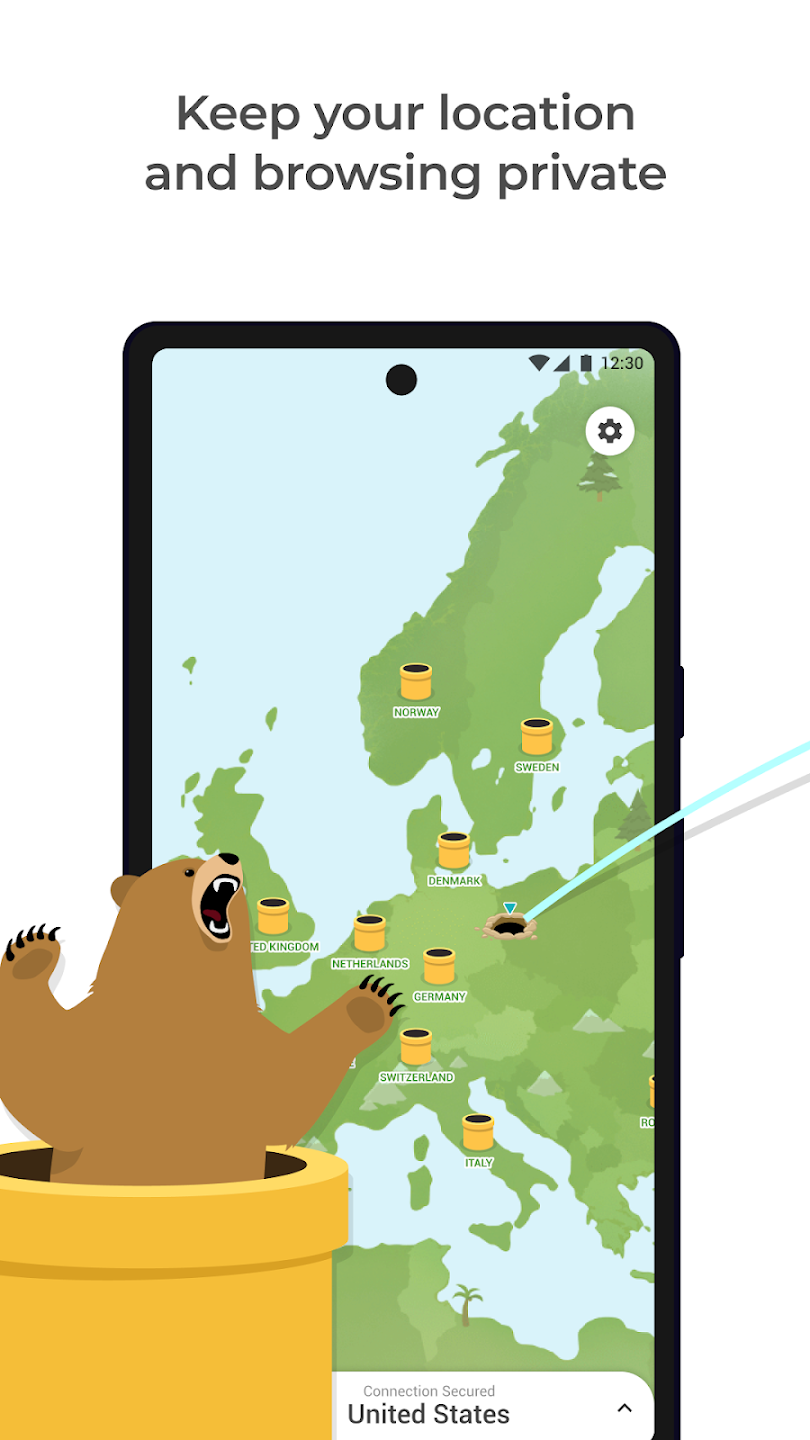
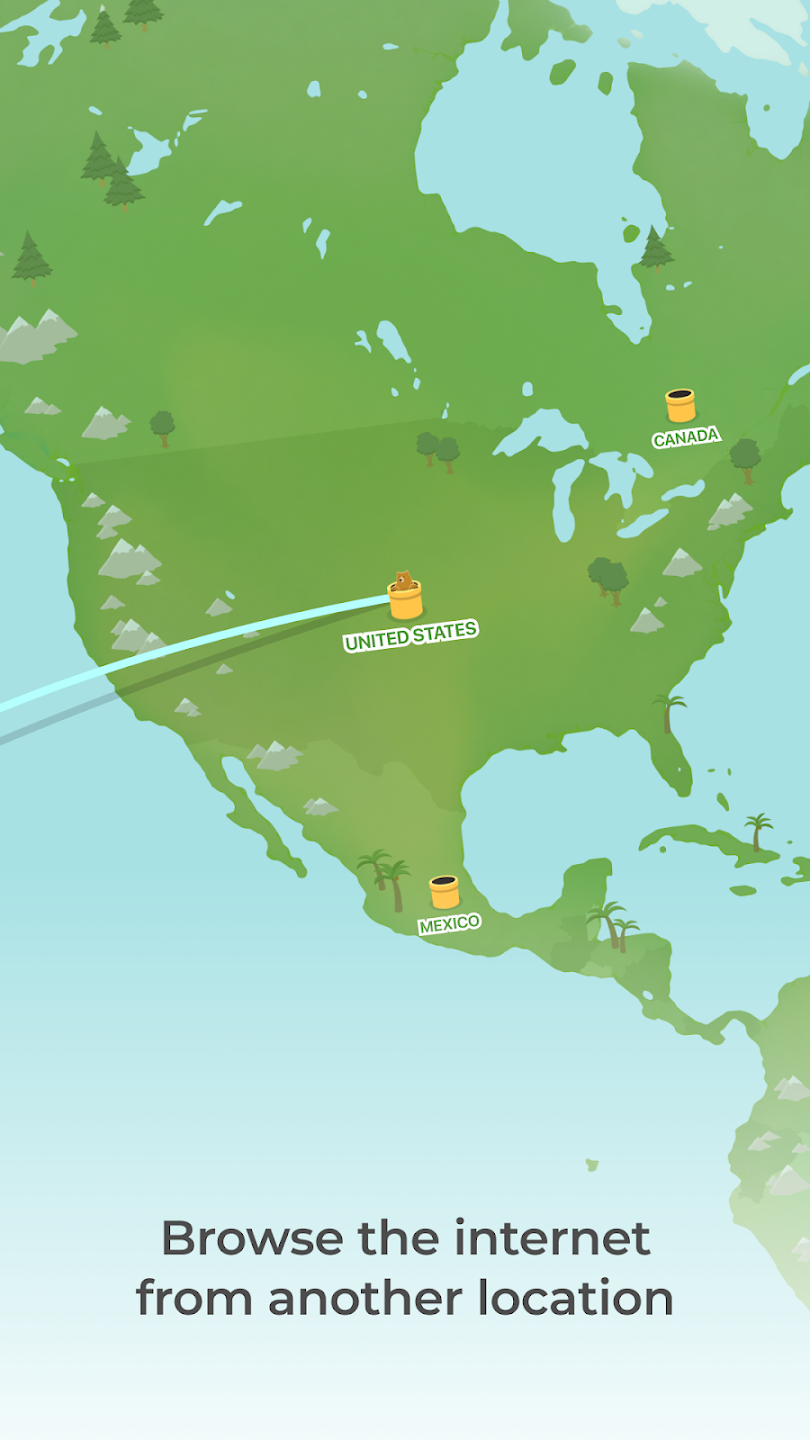
TunnelBear has servers in over 40 countries, allowing users to connect to different locations worldwide and access content from anywhere. This feature is particularly helpful for those wanting to bypass geographical restrictions and access content freely.
No-Logs Policy
Privacy is one of the app’s primary focuses, and TunnelBear operates under a strict no-logs policy. This means that your browsing history, IP address, and personal data are not recorded, offering you peace of mind while using the service.
VigilantBear (Kill Switch)
TunnelBear has a kill switch feature called “VigilantBear,” which temporarily blocks all unsecured traffic if your connection to the VPN is interrupted. This feature ensures that your data remains protected, even during unexpected connection drops.
GhostBear Mode
For users in areas with strict internet censorship, TunnelBear’s GhostBear mode can help make VPN traffic less detectable. This allows you to use the app in places where VPN usage may be blocked.
Ease of Use
TunnelBear is designed to be easy to use, with a simple interface that requires no complex configuration. You can activate the VPN with a single tap, making it a great option for beginners.
Who Should Use TunnelBear APK?
TunnelBear is an ideal choice for a variety of users:
- Frequent Travelers: For those who travel often and need to access region-locked content or secure their connection on public Wi-Fi, TunnelBear offers a reliable solution.
- Privacy-Conscious Users: If protecting your data and browsing habits is important, TunnelBear’s strong encryption and no-logs policy make it a suitable choice.
- Censorship Bypass: Users living in areas with strict internet censorship can benefit from TunnelBear’s GhostBear mode, which helps bypass government restrictions and access blocked websites.
- Beginner Users: The app’s straightforward design and ease of use make it a perfect option for those who are new to VPNs.
Some Tips When Using TunnelBear APK new version
Choose the Closest Server for Speed: If you’re aiming for the best speed, try connecting to a server that’s geographically closer to your location. This minimizes latency and improves your browsing experience.
- Use GhostBear Mode in High-Censorship Areas: If you’re having trouble accessing certain sites, enable the GhostBear mode to help your connection blend in and avoid detection.
- Keep the App Updated: Ensure you have the latest version of TunnelBear installed for optimal performance and security patches.
- Limit Data Usage with the Free Plan: If you’re on the free version of TunnelBear, you’ll have a 500MB data limit per month. Use it wisely by enabling the VPN only when necessary or considering an upgrade to a premium plan for unlimited data.
User Reviews -Free download TunnelBear APK 2026 for Android
TunnelBear has garnered positive feedback for its user-friendly interface, reliable security, and free data option. Many users praise the app for being beginner-friendly and offering consistent speeds across different servers. However, some have pointed out the limited server locations and data cap on the free version as potential downsides. Overall, TunnelBear has established itself as a trusted VPN for everyday browsing and privacy needs.
FAQs
Does TunnelBear work on all devices?
TunnelBear is available on multiple platforms, including Windows, macOS, Android, and iOS. It also has browser extensions for Chrome and Firefox.
Can TunnelBear be used for streaming?
While TunnelBear can bypass certain geo-restrictions, it may not always work with all streaming services. Users looking specifically for streaming access may need to test which servers work best.
Does TunnelBear support torrenting?
TunnelBear allows torrenting on certain servers, but it is not its primary focus. It’s best to check with the app to see which servers are optimized for P2P sharing.
Conclusion
TunnelBear is a great choice for those looking for a simple, effective, and secure VPN solution. Its user-friendly approach, combined with strong security features, makes it an excellent option for beginners and experienced users alike. Whether you’re seeking online privacy or looking to bypass content restrictions, TunnelBear has got you covered.










